WordPress Developer Freelancer Guide for Small Business Websites
A practical guide for small businesses that want to hire a WordPress Developer Freelancer for professional websites, responsive layouts, service pages, landing pages, blogs, and website customization.

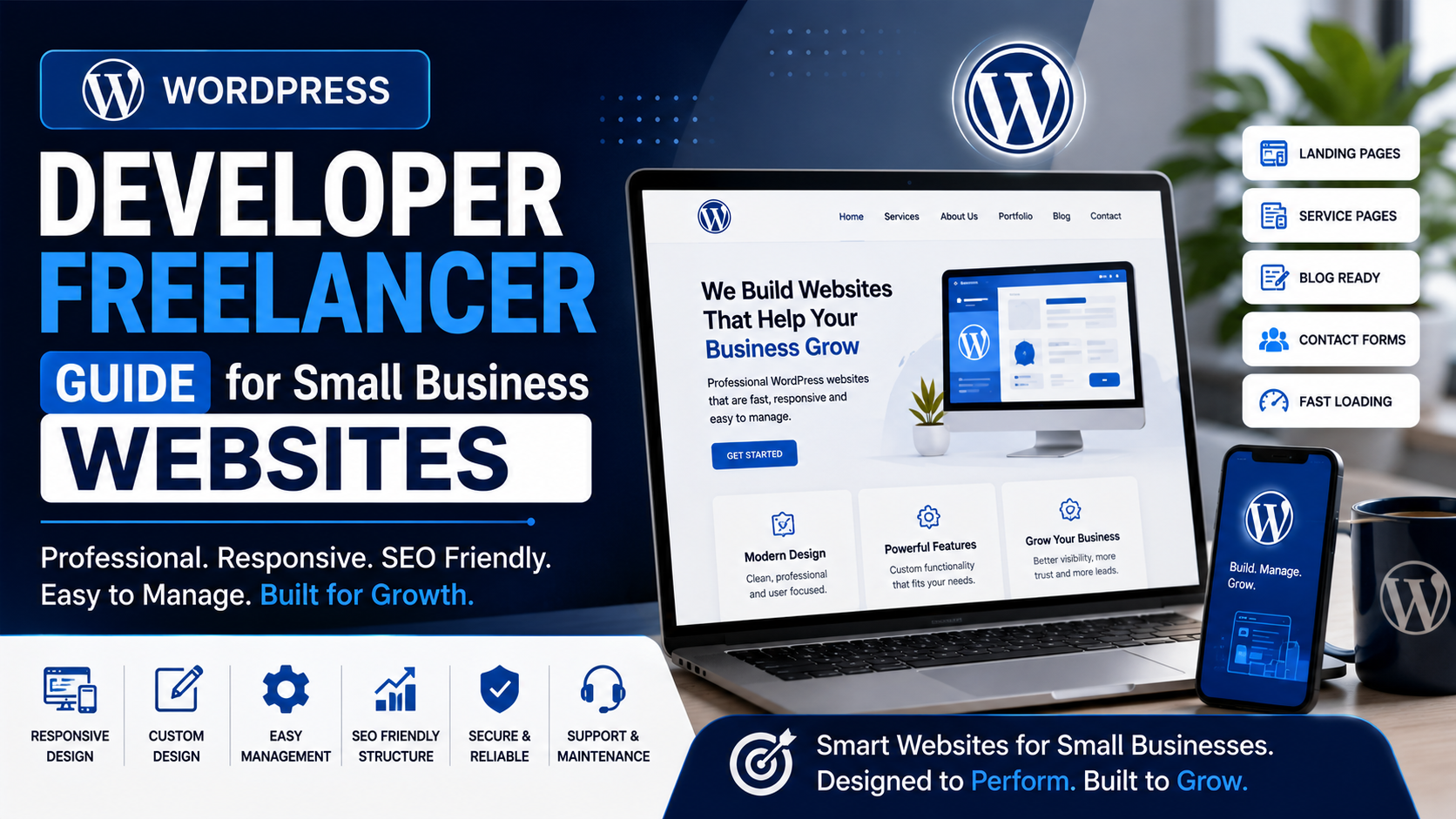
A WordPress Developer Freelancer can help small businesses build professional websites that are easy to manage, mobile-friendly, SEO-ready, and suitable for long-term content updates. For many small businesses, WordPress is a practical choice because it gives flexibility, content management, blog publishing, service page creation, contact form setup, and design customization without needing a fully custom backend from the beginning.
Small business websites need more than a good-looking homepage. They need clear service pages, responsive layouts, contact forms, enquiry flow, blog structure, basic SEO setup, fast loading, and simple navigation. A Website Developer Freelancer with WordPress experience can help create a website that supports both user experience and business growth.
WordPress is useful for consultants, local businesses, agencies, service providers, freelancers, coaching institutes, clinics, real estate businesses, repair services, restaurants, personal brands, and small companies. It allows businesses to update text, add blogs, change images, manage pages, and grow the website over time. But to get good results, the website should be planned and developed properly.
DS Dev Studio by Deepak Sharma helps businesses with WordPress website development, responsive website development, landing pages, service pages, frontend customization, contact forms, SEO-friendly structure, React development, backend systems, and custom web applications. This guide explains how a WordPress Developer Freelancer can help small businesses and what you should check before hiring one.
What does a WordPress Developer Freelancer do?
A WordPress Developer Freelancer builds, customizes, improves, and maintains WordPress websites for businesses. The work may include theme customization, page design, plugin setup, contact forms, blog layouts, service pages, landing pages, mobile responsiveness, speed improvements, SEO basics, website migration, bug fixing, and content updates.
Some WordPress developers work mainly with pre-built themes and page builders. Others can customize code, edit templates, adjust CSS, create custom sections, integrate forms, and improve website performance. For small businesses, the right developer should understand both design customization and practical business website structure.
A good WordPress Website Developer should not only install a theme and add content. The developer should understand how users move through the website. The homepage should introduce the business. Service pages should explain offerings clearly. Blogs should support useful content. Contact forms should work smoothly. The website should look clean on mobile, tablet, laptop, and desktop screens.
Why WordPress is useful for small business websites
WordPress is popular for small business websites because it is flexible and content-friendly. A business owner or team can manage pages, blogs, images, menus, and basic content from the WordPress dashboard. This makes it easier to update the website after launch without asking a developer for every small text change.
Small businesses often need to publish new service pages, update contact details, add blog posts, change banners, add testimonials, or update project examples. WordPress makes these updates easier when the website is built with a clean structure. This is useful for long-term website growth.
WordPress can also support plugins for forms, SEO, caching, security, backups, analytics, page builders, and performance. However, plugins should be used carefully. Too many unnecessary plugins can slow down the website and create maintenance issues. A skilled WordPress Developer Freelancer can choose tools based on need, not just install everything.
WordPress website vs custom website
A WordPress website is usually a good choice when a business needs content management, blogs, service pages, and regular updates. A custom website may be better when the project requires advanced backend features, highly custom workflows, dashboards, CRM modules, complex API integrations, or application-style functionality.
For example, a small service business that needs Home, About, Services, Blog, and Contact pages may work well with WordPress. A business that needs a custom admin panel, user login, lead tracking system, or dashboard may need custom development with React, PHP, Laravel, CodeIgniter, MySQL, or APIs.
The right choice depends on the project requirement. A Custom Website Developer should explain the difference clearly. WordPress is not always the best solution for every project, but for many small business websites, it gives a strong balance between flexibility, affordability, and content control.
What pages should a small business WordPress website include?
A small business WordPress website should include pages that help visitors understand the business and contact it easily. The exact structure depends on the business type, but most websites need a homepage, about page, service pages, blog page, project or portfolio page, and contact page.
The homepage should explain the business clearly and guide users to important pages. The about page should build trust. Service pages should explain each offering in detail. The blog should answer customer questions and support SEO-friendly content growth. The contact page should include a form, email, phone, address or service area, and other contact options.
- Homepage with clear business introduction and CTA sections.
- About page that builds trust and explains background.
- Service pages for each main offering.
- Landing pages for specific campaigns or offers.
- Blog section for helpful content and SEO growth.
- Portfolio or project pages to show work examples.
- Contact page with form, email, phone, and social links.
- FAQ sections to answer common customer questions.
- Privacy policy and important business information pages.
- Footer with quick links and contact details.
Service pages are important in WordPress websites
Service pages are very important for small business websites because they explain what the business offers. A homepage can introduce your company, but each main service should have its own page when possible. This gives customers more detail and creates a stronger SEO-friendly website structure.
For example, a web development business may have separate WordPress pages for website development, landing page development, React frontend development, WordPress customization, backend development, and custom web application development. Each page can include service explanation, benefits, process, FAQs, and contact CTA.
A WordPress Developer Freelancer can create reusable service page layouts. This means future service pages can follow a consistent structure. A consistent layout helps users understand the website better and also makes it easier for the business to expand content over time.
Responsive WordPress website development
Responsive Website Development is essential for WordPress websites because many users visit websites from mobile phones. A WordPress website should work properly on mobile, tablet, laptop, and desktop. Text should be readable, images should resize correctly, menus should work, buttons should be easy to tap, and forms should be simple to fill.
Some WordPress themes claim to be responsive, but real content can still create layout issues. Large images, long headings, plugin elements, sliders, and custom sections can break mobile layout if they are not tested properly. A Responsive Website Developer should check the actual website across multiple screen sizes.
Small businesses should not launch a WordPress website after only checking desktop view. Many customers may open the site from Google Search, WhatsApp, social media, email links, or ads on mobile. If the mobile experience is weak, the business may lose enquiries even if the service is good.
WordPress themes and customization
WordPress themes provide the design base for a website. A theme may include layouts, typography, menus, blog templates, service sections, and customization options. Some themes are lightweight and flexible, while others are heavy and overloaded with features. Choosing the right theme matters for performance and maintainability.
A WordPress Developer Freelancer can customize a theme based on business needs. This may include changing colors, typography, spacing, header layout, footer structure, page sections, CTA blocks, service cards, blog design, and responsive behavior. Customization helps make the website feel aligned with the brand instead of looking like a generic template.
However, customization should be done carefully. Poor edits can create update problems, broken layouts, or slow pages. A developer should use a clean approach, avoid unnecessary changes, and keep the website easy to manage after launch.
Page builders in WordPress websites
Many WordPress websites use page builders to create layouts without writing everything from scratch. Page builders can be useful for small businesses because they allow easier visual editing. They can help create landing pages, service sections, testimonial blocks, hero sections, and contact sections more quickly.
However, page builders should not be used carelessly. Too many widgets, heavy animations, extra scripts, and unoptimized sections can slow down the website. A good WordPress Website Developer should keep the page structure clean and avoid unnecessary complexity.
The best approach is to balance flexibility and performance. A small business website should be easy to update, but it should also load fast and remain responsive. The developer should choose tools that match the business requirement and future update plan.
WordPress SEO-friendly structure
WordPress can support SEO-friendly website development when it is set up properly. An SEO-friendly WordPress website should have clear page titles, meta descriptions, heading structure, clean URLs, image alt text, internal links, sitemap support, optimized images, and useful service-focused content.
A common mistake is installing an SEO plugin and thinking the website is fully optimized. SEO plugins can help with metadata and checks, but they cannot replace clear page structure, helpful content, responsive design, and good internal linking. A real SEO-friendly website needs both technical setup and useful content.
A SEO Friendly Website Developer should create proper service pages, blog categories, internal links, FAQs, metadata, and clean heading structure. WordPress makes these elements easier to manage, but the developer still needs to plan them correctly.
Blog structure in WordPress websites
One major advantage of WordPress is blog management. Small businesses can publish educational content, service guides, FAQs, comparisons, checklists, and local business posts. Blog content can help answer customer questions and create long-term SEO-friendly growth.
For example, a web development business can publish blogs about hiring a website developer, responsive website development, WordPress vs React, landing page development, SEO-friendly websites, custom web applications, and frontend development. These blogs can link back to relevant service pages and contact forms.
A WordPress Developer Freelancer can set up blog listing pages, blog detail templates, categories, tags, author sections, related posts, internal links, and SEO metadata. This makes the blog easier to manage and more useful for visitors.
Contact forms and enquiry setup in WordPress
Contact forms are important for every small business website. A WordPress website can include enquiry forms, quote request forms, appointment forms, consultation forms, newsletter forms, and service-specific forms. The form should be simple, clear, and mobile-friendly.
Common fields include name, email, phone number, service requirement, location, budget range, timeline, and message. The form should not ask for unnecessary details. If the form is too long, users may avoid completing it, especially on mobile devices.
A WordPress Developer Freelancer can configure form notifications, success messages, thank-you pages, spam protection, and basic lead handling. If needed, forms can also connect with CRM tools, email marketing systems, Google Sheets, or backend workflows.
WordPress performance and speed
Performance is important for WordPress websites because slow websites can reduce user experience and enquiries. A WordPress website can become slow when it uses heavy themes, too many plugins, large images, unnecessary scripts, poor hosting, or unoptimized page builder sections.
A WordPress Developer Freelancer can improve speed by choosing lightweight themes, compressing images, reducing unnecessary plugins, using caching, optimizing CSS and JavaScript, and keeping the page layout clean. Small businesses should care about performance because users may leave if the page takes too long to load.
Fast loading is especially important on mobile. Many visitors may open the website from mobile networks. A responsive but slow website can still create a weak experience. Performance and responsive design should work together.
WordPress security and maintenance
WordPress websites need regular maintenance. Themes, plugins, and WordPress core should be updated carefully. Backups should be available. Security plugins or basic protection measures can help reduce common risks. Unused plugins and themes should be removed.
Small businesses should not ignore maintenance after launch. A website may work well on launch day, but plugins, forms, layouts, and integrations can need updates over time. Regular checks help keep the website stable and secure.
A Website Developer Freelancer can provide support for updates, bug fixes, backups, plugin checks, form testing, and new page additions. This is useful for businesses that do not have an internal technical team.
WordPress landing pages for campaigns
WordPress can be used to build landing pages for campaigns, service offers, local promotions, consultation pages, and lead generation. A landing page should focus on one offer and one action. It should not confuse users with too many unrelated sections.
A WordPress landing page can include a strong headline, benefit sections, service details, trust points, FAQs, CTA buttons, and contact form. It should be responsive and fast because campaign traffic often comes from mobile devices.
For small businesses, WordPress landing pages are useful because they can be added without rebuilding the whole website. A business can create landing pages for different services, locations, offers, or audience segments.
When should you hire a WordPress Developer Freelancer?
You should hire WordPress Developer support when you need a new small business website, WordPress theme customization, responsive fixes, landing pages, service pages, blog setup, contact forms, speed improvement, SEO-friendly structure, or website maintenance. You should also hire a developer when your existing WordPress website looks outdated or difficult to manage.
A freelancer can be useful when you want direct communication, practical pricing, flexible support, and focused website development. Many small businesses do not need a large agency for every website task. A skilled WordPress Developer Freelancer can handle the work efficiently when the project scope is clear.
However, you should choose carefully. Check portfolio examples, responsive design quality, technical skills, SEO basics, communication process, and support options before hiring. A good developer should understand business websites, not only WordPress installation.
What to check before hiring a WordPress Developer Freelancer
Before hiring a developer, review whether they can build a website that matches your business goal. Ask about page structure, responsive design, theme customization, contact forms, SEO basics, performance, security, blog setup, and future updates. Clear discussion before the project can prevent confusion later.
Also discuss what content is needed from your side. The developer may need your logo, brand colors, service details, images, contact details, domain access, hosting access, reference websites, and page content. If you do not have complete content, share rough notes so the developer can plan the layout.
- Check previous WordPress website examples.
- Ask whether responsive design is included.
- Review experience with themes, plugins, forms, and page builders.
- Confirm whether SEO-friendly headings, metadata, image alt text, and internal links will be added.
- Ask about blog setup, service pages, and landing pages.
- Discuss speed optimization and plugin management.
- Ask about security, backups, updates, and maintenance.
- Clarify timeline, revisions, content needs, and post-launch support.
Common mistakes in small business WordPress websites
One common mistake is using a heavy theme without checking performance. Another mistake is installing too many plugins. Each plugin can add code, scripts, or maintenance needs. Too many plugins can slow down the website and create conflicts.
Another common mistake is creating only a homepage and contact page. Small businesses usually need service pages to explain offerings properly. Without service pages, users may not understand what the business provides, and the website may not have strong SEO structure.
Some businesses also ignore mobile responsiveness. A WordPress theme may look good in desktop preview, but real mobile experience can still be weak. Before launch, the website should be tested on mobile, tablet, laptop, and desktop. Forms, menus, buttons, images, and text should all work properly.
How DS Dev Studio can help
DS Dev Studio by Deepak Sharma can help small businesses with WordPress website development, WordPress customization, responsive layouts, service pages, landing pages, blog structure, contact forms, SEO-friendly setup, speed improvements, and website maintenance. The focus is on building practical websites that support real business goals.
Deepak Sharma Web Developer work includes WordPress websites, React frontend development, responsive website development, business websites, PHP backend development, Laravel and CodeIgniter systems, admin panels, CRM modules, API integration, and custom web applications. This is useful for businesses that need both a content-friendly website and future technical support.
To hire WordPress Developer support, DS Dev Studio can help plan your website structure, choose the right WordPress setup, customize pages, create service sections, add contact forms, improve mobile layouts, organize blog pages, and prepare the website for future content growth.
Conclusion
A WordPress Developer Freelancer can help small businesses build professional, responsive, SEO-friendly, and easy-to-manage websites. WordPress is a practical choice when a business needs service pages, blogs, landing pages, contact forms, and regular content updates. The key is to build the website with proper structure, responsive design, optimized images, clean navigation, useful content, and reliable forms. DS Dev Studio by Deepak Sharma can help small businesses with WordPress website development, customization, service pages, landing pages, blog setup, responsive layouts, SEO-friendly structure, and future website improvements. With the right WordPress setup, a small business website can become a stronger digital asset for trust, visibility, enquiries, and long-term growth.
Useful internal links
Frequently asked questions
Can I hire Deepak Sharma as a WordPress Developer Freelancer?+
Yes. You can hire Deepak Sharma for WordPress website development, theme customization, responsive layouts, landing pages, service pages, contact forms, blog setup, SEO-friendly structure, and website maintenance.
Is WordPress good for small business websites?+
Yes. WordPress is useful for small business websites because it supports content management, blogs, service pages, landing pages, contact forms, theme customization, and easier future updates.
Can DS Dev Studio build SEO-friendly WordPress websites?+
Yes. DS Dev Studio can build SEO-friendly WordPress websites with clear headings, metadata, service pages, internal links, image alt text, responsive design, blog structure, and useful content layout.
Can a WordPress website be responsive?+
Yes. A WordPress website can be fully responsive when the theme, layout, images, forms, menus, buttons, and sections are customized and tested properly across devices.
Should I choose WordPress or React for my business website?+
Choose WordPress if you need CMS-based content management and blog updates. Choose React if you need a custom frontend, reusable components, dynamic pages, dashboards, or API-connected interfaces.